Taking your shop's WhatsApp off staff phones: moving to a shared inbox without losing customers
Customer chats on staff phones leave when the staff do. How a small shop moves its WhatsApp to the Business API and a shared inbox without losing anyone on the way.
Muhammad Usman · Co-founder and CTO
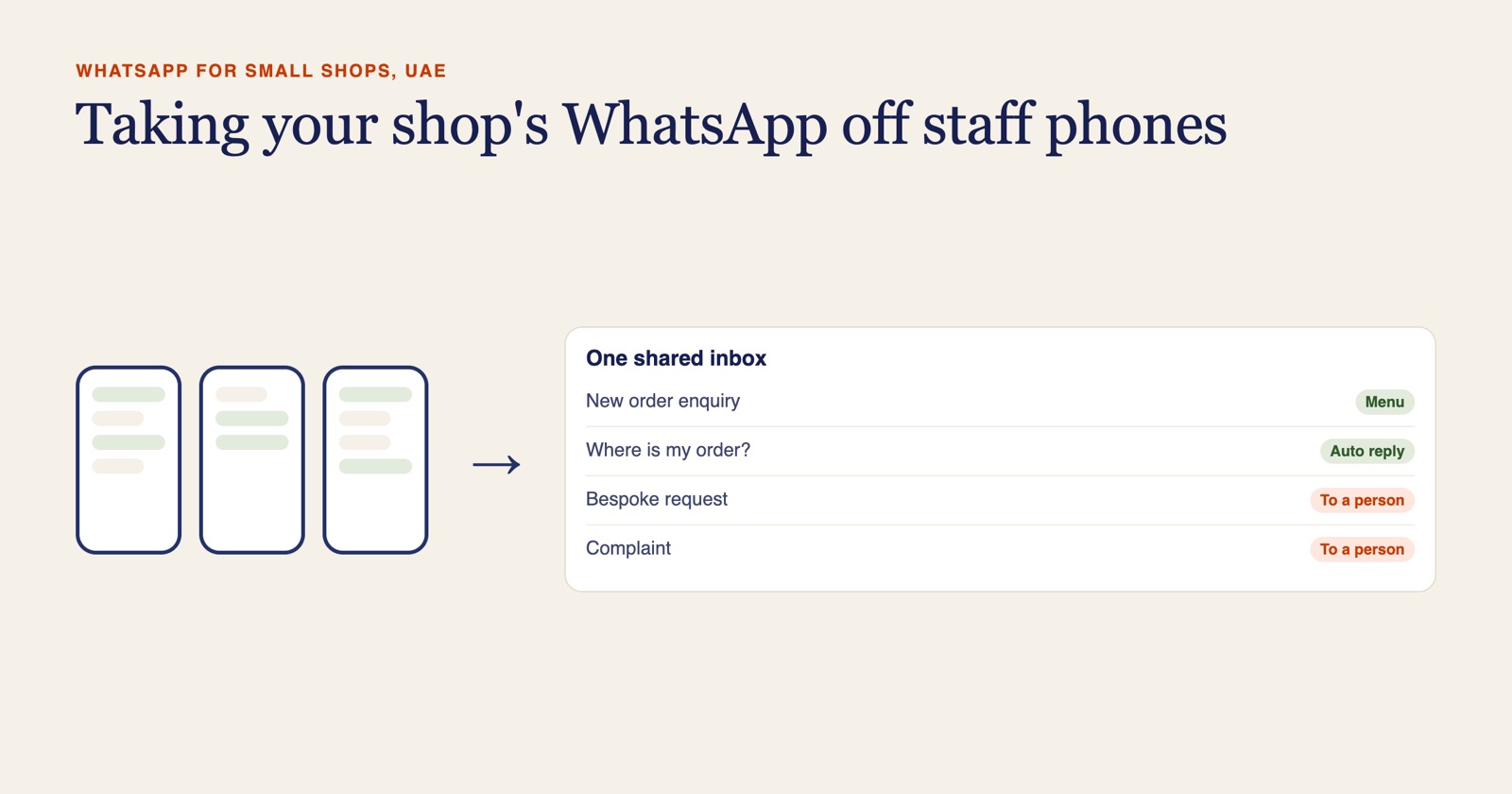
If your shop's customers message staff on their own phones, the fix is one business number on the WhatsApp Business API, answered by the whole team from a shared inbox, with contacts brought across once and tagged by consent. We recently scoped this move for a small UAE gifting store on Shopify whose orders had always run through WhatsApp on staff phones. These are the decisions we put to the owner, and what we recommended.
Why is customer history on staff phones a business risk?
Because the business does not hold it. The chats, the photos of what the customer wanted, the address typed in a hurry: all of it sits on a handset the business does not control.
- Staff leave. Their phone goes with them, and so do the regular customers who only ever messaged that number.
- There is no shared history. Someone covering a day off cannot see what was promised yesterday, so the customer explains it all again.
- Nobody can show consent. If a customer asks why they received an offer, there is no record of when or how they agreed to it.
- The owner cannot see the chats. You cannot read someone else's phone, so slow replies and a complaint going badly stay invisible until the bad review appears.
In gifting that hurts most, because orders are tied to a date and a customer let down before an anniversary has plenty of other shops to try.
Should you move your existing number to the API or start a new one?
Usually move the existing number, if it is the one on your website, your packaging and your customers' phones. Changing it means every saved contact and every old link points at a number nobody answers. Start a new number when the current one is plainly a staff member's personal line, or when it carries so much private chat that it should stay with that person.
Either way, the team then works in the shared inbox instead of the phone app: each person logs in to the same business number, and customers see one shop.
| What it affects | Move the existing number | Start a new number |
|---|---|---|
| Customers' saved contact | Keeps working | Has to be updated everywhere: website, social profiles, packaging, email signatures |
| Old chat history | Depends on the migration route. Some bring recent history into the inbox, others start it empty | Stays on the old phones |
| The phone app | On the standard route the number stops working in the WhatsApp Business app | The old number can stay on its phone for informal use |
| Best when | The number is already the shop's public line | The current number is someone's personal phone |
Chat history is what owners worry about most, so ask about it before you choose a platform. Routes differ in whether the number can stay linked to the Business app and in how much past chat comes across. If the answer for your route is none, export the chats tied to open orders or disputes before you switch.
For the store we scoped, we laid out both options with that trade-off and left the call with the owner, because the right answer depends on whose phone the number really belongs to.
What does Meta business verification involve, and when should it start?
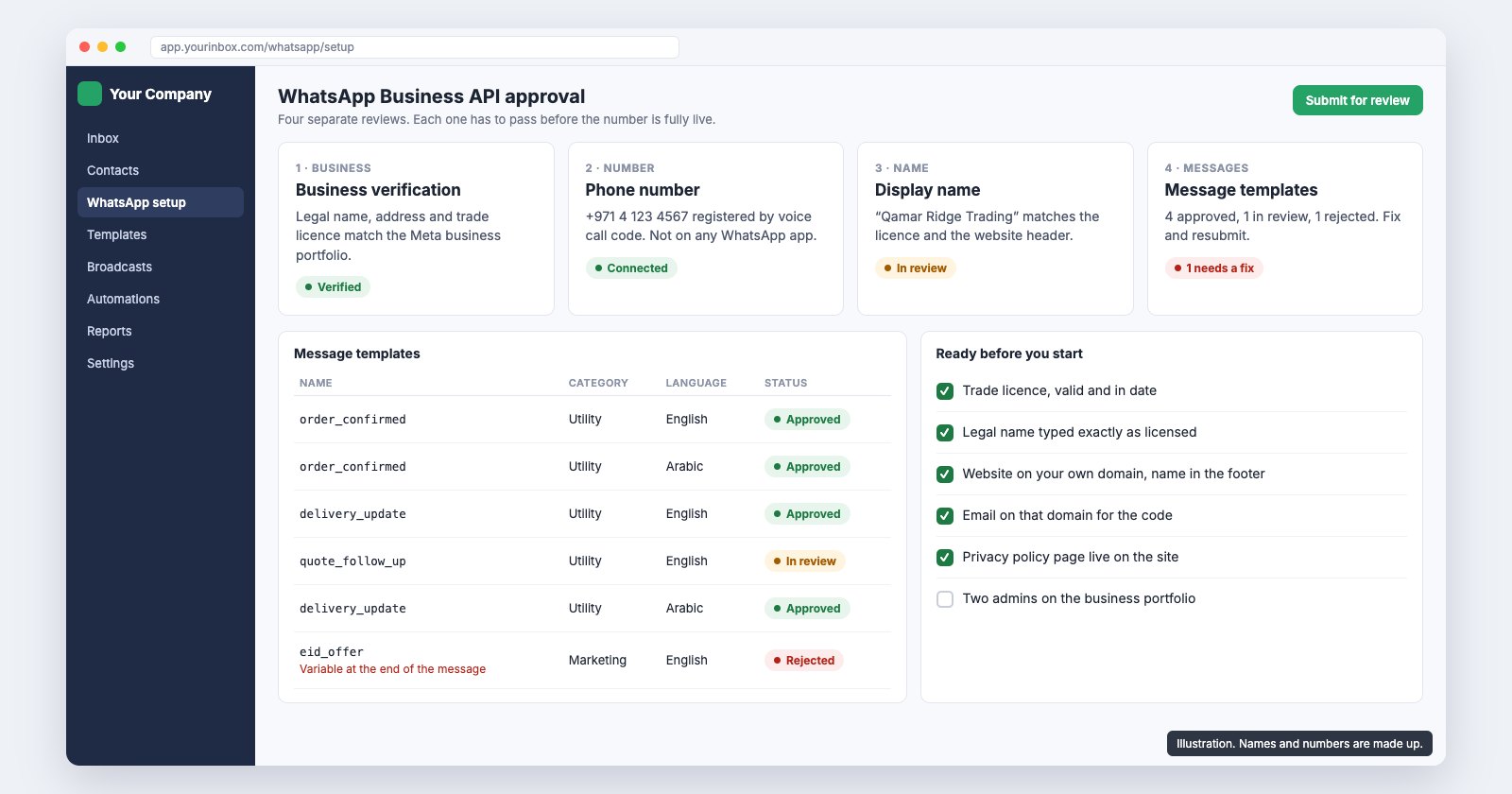
Meta has to confirm the business is real before the number can send templates at any scale. You give it the legal business name, address and supporting documents, and a website or email domain on the same name. Someone else reviews it on their own schedule.
So it starts on day one. In the three weeks we planned for the store, verification began on the first day, while we fixed the sign-up form and prepared the Christmas email. WhatsApp itself was due to go live in the second week. If template approval runs late, the first seasonal campaign goes out by email rather than waiting.
How do you bring contacts across from staff phones?
Once, on purpose, and tagged by consent. Ask each person to export the customer contacts from their phone, merge the lists, remove duplicates and test numbers, and give every contact a tag before anything is imported:
- Agreed to marketing on WhatsApp: you have a message or a ticked box showing they asked for offers.
- Customer without marketing consent: they ordered or enquired, so you can reply when they write in, but they get no broadcasts.
- Unknown: treated as no consent until they opt in.
The tag keeps the number healthy. Broadcasting to people who never asked lowers your quality rating with Meta, and a low rating cuts how many people you can message. After the import, new contacts arrive with consent recorded at sign-up, so it never has to be repeated.
That only holds if sign-up is clean. On the store's form the WhatsApp number went into a free-text note no automation could read, and every sign-up was marked as agreeing to marketing whether the box was ticked or not. We put fixing that ahead of the import.
Who should own the shared inbox?
One named person, usually the owner. They decide who gets a login and which chats go to whom, and check each morning that nothing was left unanswered overnight. Anyone can pick up a chat; only the owner adds or removes people.
The accounts should be in the business's name. We have platform and Meta fees billed to the client directly, so the number and the contacts stay with the shop.
What should the welcome menu do?
Sort the chat, not sell to it. The first reply a new chat gets is a short menu asking what the person needs, so the right person picks it up with the context already there. For the store we proposed three choices: a new order, an existing order, or a bespoke request.
A new order then asks what a gift order always needs: the occasion and date, who it is for, a rough budget and the delivery area. An existing order goes to whoever handles dispatch. The answers are saved to the customer, so nobody asks twice. Over a few months those structured answers also show what people ask about most, which is useful material for your website FAQs.
Which chats should always go straight to a person?
Bespoke requests, anything urgent, and every complaint. The menu should spot these and hand over at once. Someone who needs a gift delivered today, or whose order arrived damaged, has no patience for automated questions.
The same goes for anyone who asks for a person. The menu is there to give the team time for these conversations.
What changes day to day for the team?
Less than people fear. The chats look the same, and customers notice little apart from quicker replies. What does change:
- Staff answer from their own login on a laptop or the platform's phone app, not from their personal WhatsApp.
- A chat is passed to a colleague with a note attached, instead of a screenshot forwarded to another phone.
- Order updates such as 'out for delivery' go out when someone taps a status, rather than being typed each time.
- Personal phones go back to being personal.
Keep checking the old phones for a week or so. If you started a new number, set an away message on the old one pointing people to it.
What does a shared WhatsApp inbox cost at small volume?
Less than most owners expect. Most of a shop's traffic is customers writing in, and replies inside the 24-hour window are free.
| Item | Indicative cost |
|---|---|
| Platform with a shared inbox (we use BotSpace) | Pro plan from about $15 a month, roughly AED 55 |
| Your replies inside the 24-hour window | Free |
| Utility message, such as an order or delivery update | About AED 0.058 ($0.0157) each |
| Marketing message, such as a seasonal offer | About AED 0.183 ($0.0499) each |
A Valentine's Day offer sent to 1,000 opted-in UAE numbers comes to about AED 183 in Meta fees, roughly $50, passed through without markup. For a small team that is a far smaller commitment than a full marketing CRM, which we suggested the store review in 3 to 6 months, once volume grows and the way the team works has settled.
Talk to us about moving your WhatsApp
If your shop's WhatsApp still lives on staff phones, tell us whose phone the number is on, how many people answer chats and what you sell. We will tell you which number route fits, what verification will need from you and how the move would run, before anything changes on your side.
Frequently asked questions
It depends on the migration route. Some platforms can bring recent chat history into the shared inbox; on others the inbox starts empty and the old chats stay on the phone. Confirm this with your provider before you switch, and export any chats tied to open orders or disputes first.
Their personal WhatsApp, yes. The business number is answered from the shared inbox, in a browser or the platform's own phone app, so each person has their own login and the chats stay with the business when someone leaves.
It varies, and once it is submitted the timing is Meta's, which is why we start it on the first day. Have the legal business name, address, supporting documents and a matching website ready. If templates are approved late, the first campaign can go by email.
Import them, yes, once and tagged by consent. Message them all, no. Only contacts who agreed to marketing should get broadcasts; the rest can be answered when they write in. Broadcasting to people who never opted in lowers your quality rating and your sending limits.
The platform we use starts at about $15 a month on its Pro plan. Replies inside the 24-hour window are free. In the UAE a utility message costs about AED 0.058 and a marketing message about AED 0.183, passed through from Meta without markup.